

USPS
Ground Advantage
2 to 5 days$11.40
all-in postage · no per-print fee
A direct thermal printer burns the label into heat-sensitive stock — no ink, no toner, no smudging — while an inkjet prints on paper you tape down. Inkjet works at low volume if the barcode stays flat, dry, and untaped; thermal wins the moment label volume makes ink and cutting a daily chore.
USPS, UPS, FedEx, and DHL labels all print as the same standard 4x6 PDF, so your printer choice never limits your carrier choice.


 all four
Fund the wallet with card, Apple Pay, Google Pay, ACH, or crypto — the label costs its postage, and printing it costs whatever your own printer charges you in stock or ink.
Nothing in this pipeline knows what printer you own, and that is deliberate. The order gets read, the address gets validated, the carriers that serve the lane get quoted, and what lands at the end is a standard 4x6 label PDF, the same file whether it is going to direct thermal stock over Wi-Fi or a half sheet in an inkjet tray. There is no print driver to install and no proprietary spooler in the way, which is why the printer decision on this page is yours to make on cost alone.
order's packed and on the scale — send me the label, I'll run it off on the thermal
The output is a file your operating system already knows how to send to hardware you already own. Or auto-print via PrintNode straight to the thermal printer at the station.
 Billy AI
Print at one hundred percent. Scaling is the quiet barcode killer and it is the one defect the file itself cannot protect you from — everything else on the failure list is a property of the hardware you chose.
Thirteen store connectors, Shopify, Amazon, eBay, Etsy, TikTok Shop and more, sync into the To Ship queue, and an Instagram or Facebook DM gets pasted in instead. The label at the far end is identical in every case, a standard 4x6 PDF at actual size, so the stock you loaded and the tray you configured stay correct no matter how many channels you add.
 Shopify
 Etsy
Etsy WooCommerce
 TikTok Shop
 Amazon
 eBay
eBay Squarespace
 Wix
Wix WalmartShopify PlusSoon
 Square
 BigCommerce
 Magento
 ZapierSoon
 NetSuiteSoon
 EcwidSoon
 Temu
Temu SheinSoon
 ChannelAdvisorSoon
 SkuVaultSoon
 Zoho InventorySoon
 Patreon
Updated
A direct thermal printer has no ink because the paper is the ink. The label stock is coated with a heat-sensitive layer that turns black where the print head touches it, so the printer is little more than a row of tiny heating elements and a rubber roller pulling the stock past them. Nothing sprays, nothing dries, nothing smears under a thumb — the image is a chemical change inside the material, which is why a thermal label shrugs off the rain that turns an inkjet address into watercolor. The same simplicity is why these printers survive years of daily bench work: there is almost nothing in them to break, and the only consumable is the stock itself.
The heat-sensitive coating has one honest weakness — it stays heat sensitive. Leave a thermal label on a dashboard in July or against a hot radiator and it darkens; give it a year or two of sunlight and it fades. None of that matters for a shipping label, whose working life is a week or two in the parcel network, and all of it matters if you were hoping to use the same printer for archival product labels. Its cousin, the thermal transfer printer, burns a ribbon onto the stock instead and prints permanently — but that reintroduces a consumable, and for shipping labels specifically it solves a problem you do not have. For parcels, direct thermal is the whole answer.
The two setups price a label in opposite ways. The inkjet is cheap to own and expensive to run: the printer may already be on your desk, but every label spends ink, a sheet of paper, tape to fix it to the box, and a minute of cutting and taping — and ink is famously the expensive fluid on any desk. The thermal printer inverts it: real money up front for the hardware, then labels that cost only their stock, with no ink, no tape over the face, and no scissors anywhere in the loop. That shape means the comparison is never which printer is cheaper in general — it is how many labels it takes before the per-label saving pays back the hardware, and the answer depends on your volume, not on anyone's opinion.
The method is three numbers. Work out your inkjet cost per label from a cartridge's page yield at label coverage plus paper and tape; work out thermal stock cost per label from a roll's price divided by its label count; divide the hardware price by the difference. That third number is the payback point in labels, and once you cross it, every label after is margin. Run it with current prices — the dated block below shows the arithmetic worked once, and the fair warning is that consumable prices move. Software can add a fourth number: some printer apps charge per label printed, anda Rollo Ship App alternative with no per-label feeshows what that adds up to at volume.
Worked cost comparison — compiled 2026-08-15.Checked against current retail listings for label stock and ink on this date: direct thermal 4x6 stock in bulk rolls commonly lands around one to three cents per label, while an inkjet label typically carries five to fifteen cents of ink, paper, and tape once real coverage and taping are counted. At that spread, an entry-level thermal printer in the one-to-two-hundred-dollar range pays for itself somewhere in the low thousands of labels — a few months at ten labels a day. These are market-price observations, not quotes; re-run the three-number method with the prices in front of you.
A shipping label has one job that matters and it is not looking crisp — it is scanning on the first pass, every time, on tired hardware in a dark truck. The defects that break scanning are few and specific. Smudge: an inkjet label handled before the ink set, dragging the bars into each other. Tape glare: glossy tape laid across the barcode, bouncing the scanner's own light back at it — tape the edges of a paper label, never the bars. Scaling: a PDF printed with fit-to-page shrinking the bars below the width the symbology needs; print at one hundred percent, actual size, always. Contrast: draft mode, a toner-saver setting, or a dying cartridge printing gray bars on white, below the contrast a scanner certifies. And wrinkle: a label folded around a box corner, turning straight bars into curves no scanner reads.
Every one of those failures is cheap at your bench and expensive in the network. A label that will not scan gets keyed by hand if a human has time, and mis-sorted or delayed if they do not — and a barcode problem on the first scan can look identical to a lost parcel from your buyer's side of the tracking page. Thermal printing designs most of the list away by construction: no ink to smudge, no tape on the face because the stock is self-adhesive, and stock cut to the label so scaling never enters the picture. An inkjet label avoids the same list only through discipline, which is fine at three labels a week and corrosive at thirty a day.
The payback arithmetic above gives one crossover; the honest one arrives earlier. Cutting, taping, and babying a barcode is a per-label chore that the math never prices, and shops feel the thermal moment not when a spreadsheet says so but when label prep becomes a named part of the day. The working rule: if you print a handful of labels a week, the inkjet discipline is free and a dedicated printer is clutter. When daily orders make the scissors a fixture on the bench — for many shops the same week that batch imports start replacing one-at-a-time purchases, a workflow the CSV bulk-import guide covers on its own — the thermal printer stops being equipment and starts being deleted labor. For pack stations, see warehouse shipping labels.
The used market is where the arithmetic gets friendly, because direct thermal printers outlive their first owners' businesses and have almost no hidden state. Two components wear and both are inspectable in one test print: dead elements on the print head show as thin vertical white lines through the print, and a worn platen roller shows as uneven darkness or stock that walks sideways off the roll. Check that it takes standard 4x6 direct thermal stock rather than a proprietary cartridge format, confirm the connection your setup needs, and a clean test page is most of the due diligence there is. Whichever way you go, the label itself never changes: every purchase here — USPS, UPS, FedEx, or DHL, from a single USPS label to a full batch — comes out as the same standard 4x6 PDF, printed at actual size on whatever hardware you own, with the postage rate-shopped before a cent leaves the wallet.
A label platform earns its keep on print day by staying out of the way: a standard file, at a standard size, with nothing proprietary between the quote and the printer.
Card, Apple Pay, Google Pay, ACH, and crypto all fund the same wallet, and a label debits exactly its quoted all-in postage. There is no per-print fee and no per-label software charge stacked on your hardware costs — the printer economics on this page are the only print costs you have.
Paste an order, drop a screenshot, or speak the address and Billy drafts the shipment on every plan. What comes out the other end is deliberately unexciting: a standard 4x6 PDF at actual size, which is exactly what a barcode that must scan first-pass wants.
BillyLIVEThe quoted number is the number that leaves the balance, which keeps your cost-per-parcel arithmetic clean: postage from the quote, print cost from your own consumables math, no third category arriving later to unpick.
USPS, UPS and FedEx are quoted on every domestic parcel and DHL on international lanes, and switching the winning carrier never changes your print day: same 4x6 PDF, same stock, same printer settings. Rate-shopping stays free because the hardware never cares who won.
UPS$12.48FedEx$13.22DHL$14.10USPS$11.79The API covers the shipment lifecycle the dashboard uses, with signed webhooks and unlimited calls on every plan — a shop that automates label creation gets back the same standard PDF, ready for whatever print queue it already runs.
4x6 PDF ready to print
Actual size · thermal or share sheet
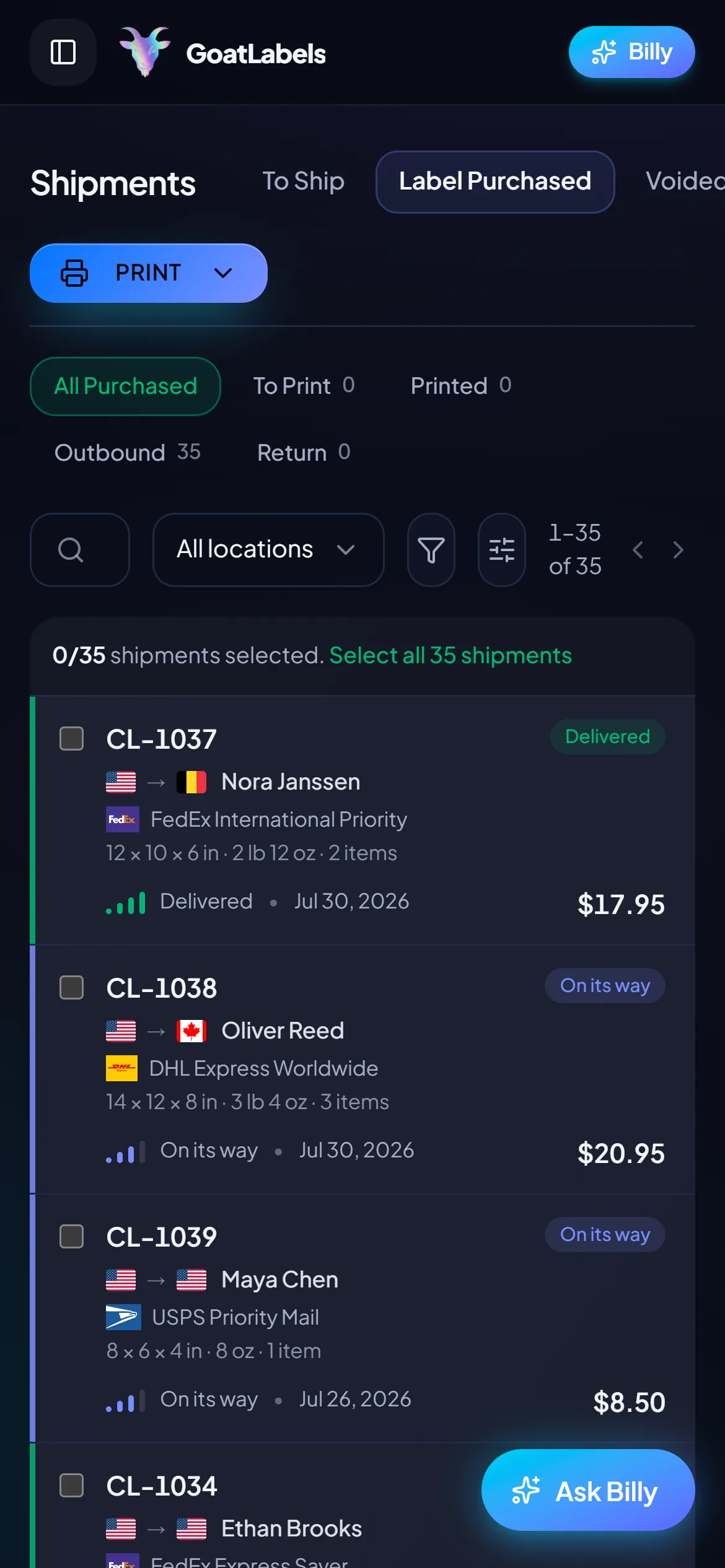
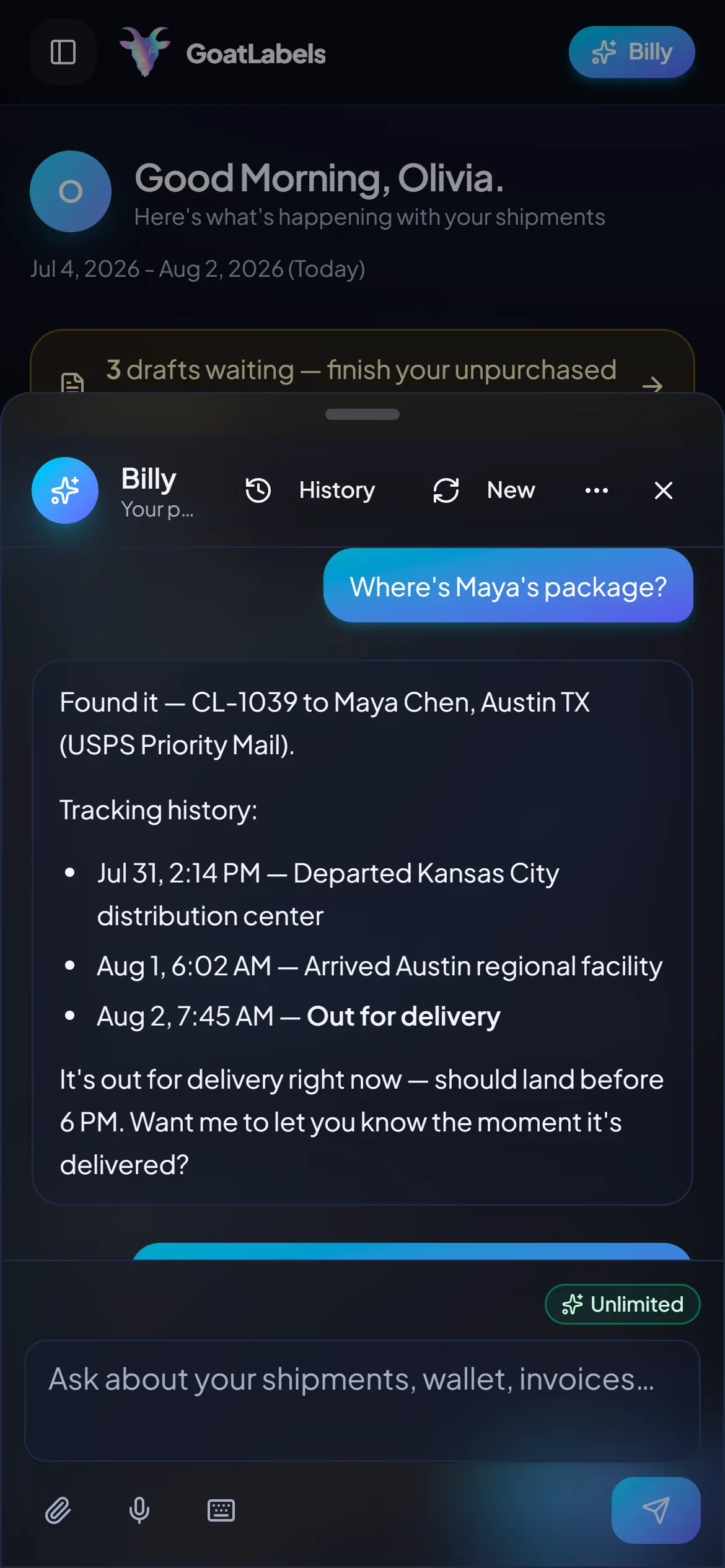
A thermal printer on the bench and a laptop in the next room quietly reinstates the walk you bought the printer to delete. The queue, the quotes, and the print action all fit on the phone already propped against the tape dispenser, to a Wi-Fi thermal unit directly, or to anything else through the share sheet.
A packing bench is a two-handed place, and the keyboard leg of the trip is a per-label cost no consumables spreadsheet ever prices. Say the order out loud and Billy drafts it, validates the destination, and quotes USPS, UPS and FedEx on the box in your hands (DHL on international lanes), so the only thing left at the printer is pressing print. Dictation as an intake mode has its own page on this site and is not re-argued here — the point for a print bench is narrower: it removes the walk. Included on every plan, and the output is the same standard 4x6 PDF either way.
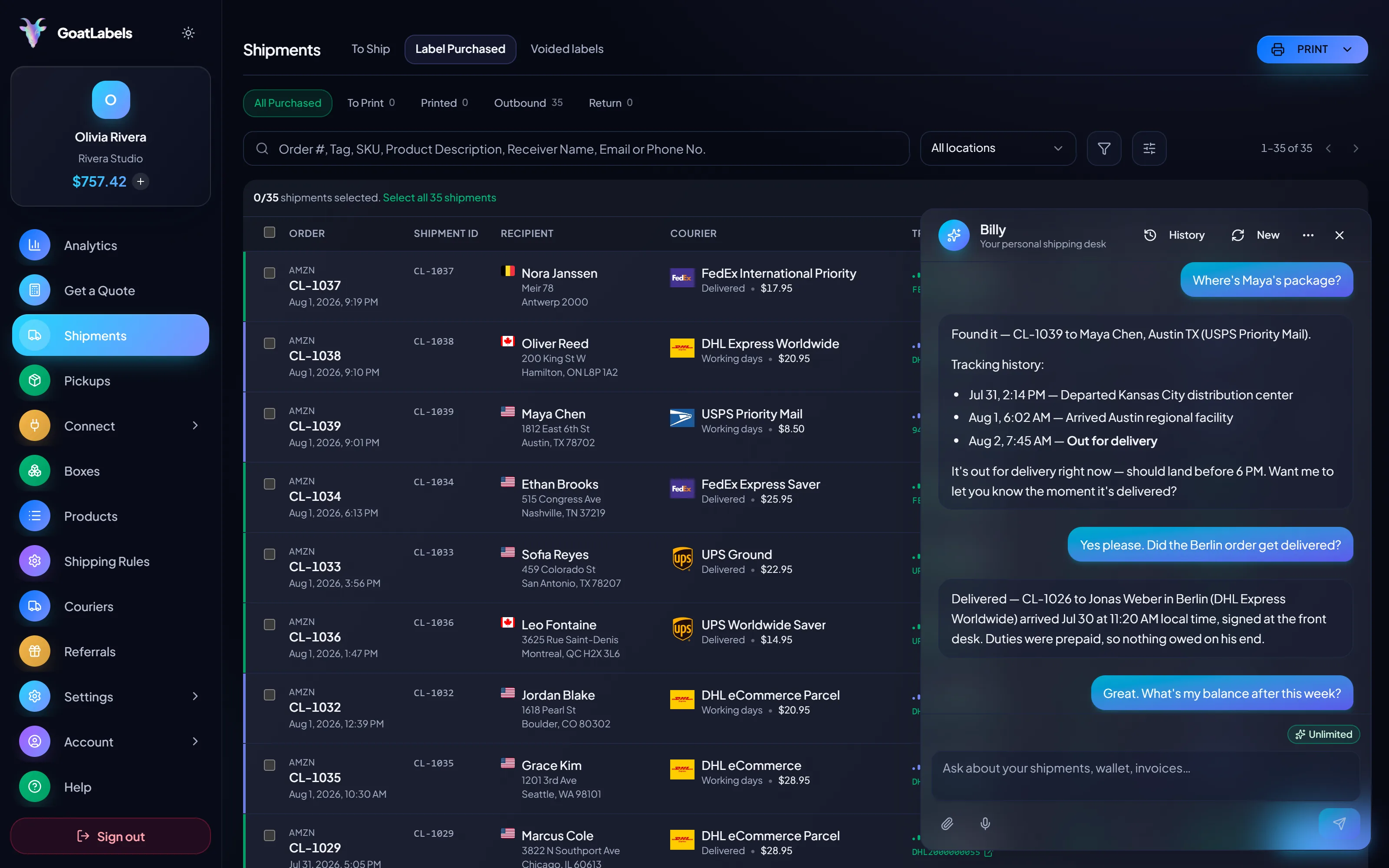
Listening
"Two pounds to Portland — run it on the thermal."
Draft ready
Address validated · 4x6 PDF queued
Speaks plain English · drafts from voice, paste, or a screenshot · the file it produces is the same 4x6 PDF at actual size · included on every plan.
Keeping those two budgets apart is what makes the payback arithmetic above honest. Postage comes back as one all-in number per carrier, locked at quote time and debited at exactly that figure. Print cost is stock or ink, and it is entirely yours — nothing here charges you for the act of printing, so the only variable your printer choice moves is the one this page teaches you to measure.
Ground Advantage
2 to 5 days$11.40
all-in postage · no per-print fee
Ground
1 to 5 days$9.85
all-in postage · no per-print fee
Ground
1 to 5 days$11.20
all-in postage · no per-print fee
A shop that automates label creation gets back exactly what the dashboard hands you: a standard 4x6 PDF at actual size. Whatever print path already exists on the bench — a thermal spooler, a shared network printer, a folder something watches — keeps working, because there is no SDK-side print driver to adopt.
POST /api/v1/shipments
Authorization: Bearer sk_live_…
Idempotency-Key: ord_8421

{
  "to": { "name": "Joyce", "city": "Berlin", "country": "DE" },
  "parcel": { "weight": 2.6, "weight_unit": "lb" },
  "service": "fedex_intl_priority"
}
The payback method above only works if your cost per label has exactly two ingredients: postage and consumables. Nothing here adds a third. Free covers 50 shipments a month with the assistant and the API included, and Pro is a flat monthly plan for unlimited shipments once you pass 50 a month — a fixed cost you take on only when the volume is there, the same bet as buying the thermal printer.
 — draft a label without walking back to the screen
Rate by plan
illustrativePro: one flat monthly plan, unlimited shipments
$0 / forever
Print on the hardware you already own and pay for nothing but the postage that goes on it.
The assistant that turns a pasted order or a screenshot into a validated draft runs unlimited on Free, and it has no bearing on the print path at all — what it produces is the same standard 4x6 PDF. Pro adds Billy on Telegram.
Telegram, ProGET /api/v1/shipments
200 OK · plan: free
Unlimited calls on Free — still unlimited on Pro.
Put a real parcel through and compare the side-by-side rate against what that label costs you on
ShippoPirate ShipShipStationPostage is quoted live from USPS, UPS, FedEx, and DHL as one all-in number and that exact amount leaves your prepaid balance. Printing costs are your consumables only — stock or ink — and the arithmetic for those is the dated block above, not a figure we set. Full pricing details
The payback point is a volume question, and volume is not the only thing that moves it. These are the four shapes of seller where the thermal-or-inkjet call is decided by something other than the spreadsheet.
 The bench where scissors became a fixture
The moment label prep is a named part of the day, the thermal printer stops being equipment and starts being deleted labor. No cutting, no tape across the face, no waiting for ink to set before the parcel can be handled.
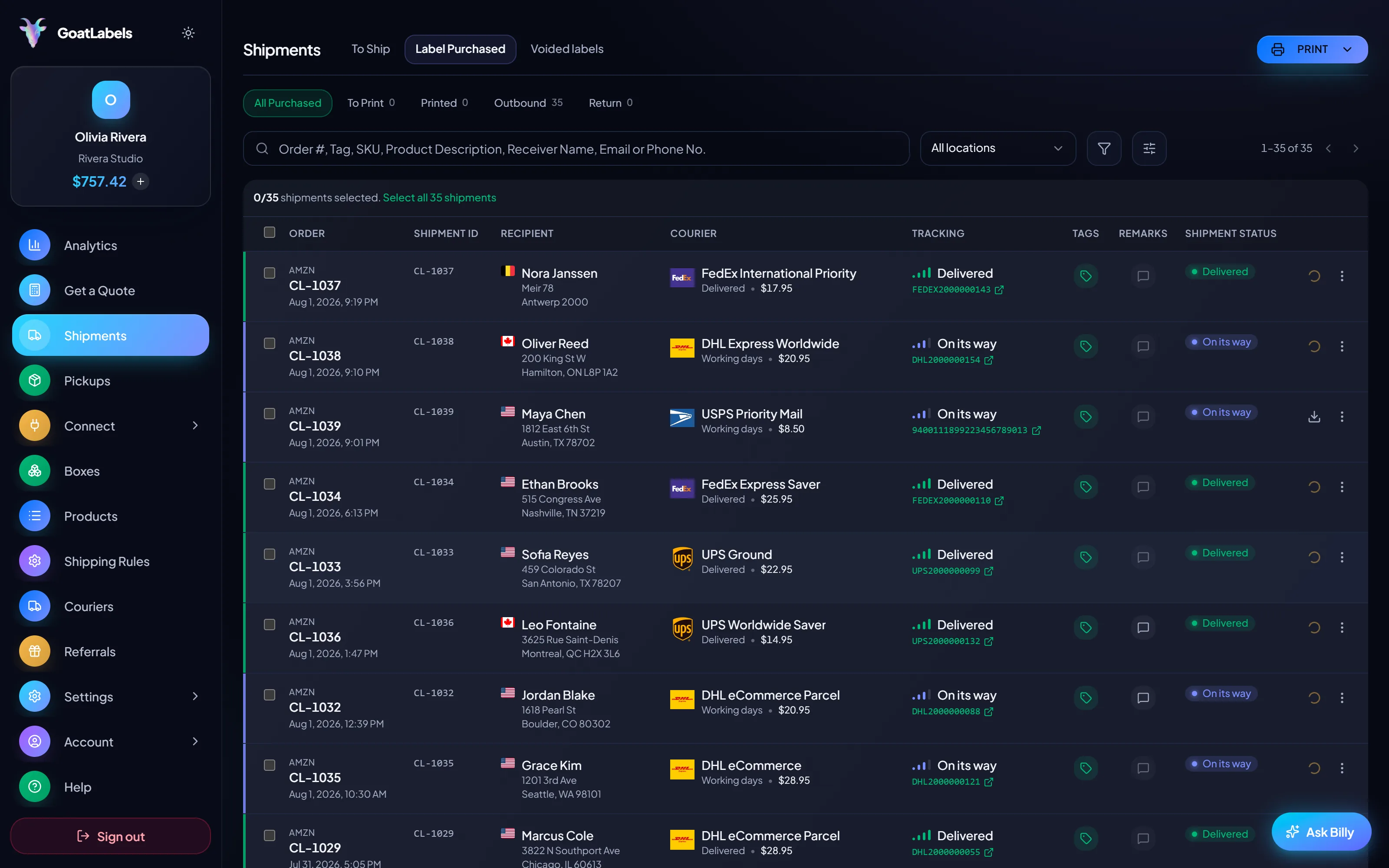
 Etsy makers and weekend sellers
At this volume the inkjet already on the desk is free and a dedicated printer is clutter. The discipline is the whole cost: print at actual size, let the ink dry, tape the edges and never the barcode.
Same file, cheaper hardware
Half sheet, cut and taped — ships exactly as well

 Phone at the bench, no laptop in reach

 One test print is most of the due diligence
2
parts wear on a direct thermal printer — the head and the platen roller, and both show up in a single test page
A video took off and I had 80 TikTok Shop orders by morning. I printed every label from my phone on the bus to the post office.
Early customer · TikTok
TikTok Shop seller
TikTok ShopI run my Etsy shop from the kitchen. The AI reads the order, picks the carrier, the label prints. That's the whole workflow now.
Early customer · Etsy
Etsy maker
EtsyThe API is what every shipping API pretends to be. Idempotency that actually works.
Sasha R.
Staff engineer, marketplace
Run the three-number payback method on your own volume, then print the same standard 4x6 PDF on whichever setup wins, with the postage underneath it rate-shopped across USPS, UPS and FedEx.
No card required. Labels print on the hardware you already own.
Updated