

USPS
Ground Advantage
2 to 5 days$11.40
all-in · surcharges already inside
A stock WooCommerce store cannot print a shipping label; the usual fix is stacking plugins, each with its own settings, updates, and failure modes. GoatLabels syncs WooCommerce directly: orders flow in, each domestic order is rate-shopped across USPS, UPS and FedEx with DHL on international lanes, and tracking follows the order, with no plugin chain to maintain.
Each synced order is quoted across USPS, UPS and FedEx (DHL on international lanes) as one all-in price per carrier. Nothing renders in your checkout or wp-admin.


 quoted per order
Card, Apple Pay, Google Pay, ACH, or crypto fund one prepaid balance. A plugin stack renews whether you ship or not; a wallet only moves when a label is bought.
WooCommerce is a cart, not a fulfillment system, and that is a design decision rather than an oversight. The core plugin gives you products, a checkout, and an orders screen; everything past the order — rates shown to the buyer, labels bought by you, tracking sent back — is left to the extension ecosystem, because extensions are how the WooCommerce economy works. Even the first-party answer to shipping arrives as another plugin to install, configure, and keep updated. So a new store owner discovers the gap at the worst possible moment: the first real order is sitting in the dashboard, paid and packed, and there is no button that produces a label for it.
That gap has two conventional fixes. One is to stack plugins until the store can do fulfillment, which is the path most guides describe. The other is to leave the store alone and connect it to something that already does fulfillment. This page is the case for the second, and the argument is not features — it is maintenance.
A working label setup inside WooCommerce is usually three pieces doing three jobs. A rates plugin quotes shipping to the buyer at checkout. A carrier or label extension buys the actual postage, one carrier per extension in many cases. A printing bridge gets the purchased label from the browser to a thermal printer. Each piece has its own settings screen, its own account credentials, its own update cycle, and its own idea of what a package weighs when the product page left the weight field blank.
Each piece also has a characteristic failure. The rates plugin fails at checkout, which is the most expensive place to fail — a buyer who sees no shipping options does not file a support ticket, they leave. The carrier extension fails on update day, when a new version and your PHP or WordPress version disagree, and the fix lands on you because self-hosted means self-repaired. The printing bridge fails silently, printing yesterday's queue or nothing at all. None of these are exotic events; they are the ordinary weather of running a plugin chain, and the hours they consume are hours a one-person store does not have. The stack does not cost what the plugins cost. It costs what the plugins cost plus every update you now review before trusting your checkout to it.
The alternative is to move the shipping problem out of the store entirely. Connect the WooCommerce store once and paid orders flow into a To Ship queue on GoatLabels, each one carrying the buyer, the address, and the items. From there every order is priced the same way: the address is validated before any money moves, with a residential or commercial classification shown on it, and the parcel is quoted across USPS, UPS and FedEx as an all-in number each, with DHL on international lanes. You buy the winner from a prepaid wallet funded by card, Apple Pay, Google Pay, ACH, or crypto, and the tracking number writes back to the WooCommerce order — so your store notifies the buyer exactly as it would have if the label had somehow come from inside it.
Notice what is absent from that loop: nothing was installed into the store to make it run, nothing in it has a version number you are responsible for, and no piece of it renders in your checkout where a failure would cost a sale. The store keeps doing what WooCommerce is genuinely good at — selling — and the label workflow lives where the carriers, the validation, and the wallet already are.
Self-hosting is the reason people choose WooCommerce and the reason its shipping problem is worse than Shopify's: there is no platform operations team underneath you. So it matters exactly where a connected tool reaches into your store, and the honest answer here is: barely. The sync reads orders and writes tracking. It does not touch your theme, your checkout flow, your tax configuration, or the rest of your plugin chain, and it has no opinion about your hosting, your caching layer, or which page builder you regret installing. If your store works today, connecting it changes nothing about how the store works — it changes where the orders go next.
Two practical notes for the self-hosted reality. First, connect the live store, not a staging copy — a queue full of test orders teaches you nothing and a missed real order costs you a buyer. Second, WooCommerce is rarely anyone's only channel, and the queue is deliberately shared: the same To Ship list, the same wallet, and the same carrier quote handle the Etsy shop and the TikTok Shop beside the Woo store, which is what keeps a multi-channel week from becoming three fulfillment systems.
There is one WooCommerce moment the live sync does not cover: the pile that accumulated before you connected. A backlog from a launch weekend, or the open orders you are carrying out of a previous label tool, is better handled as a file — export the orders from WooCommerce, and run them as one batch with every address validated and every row quoted before anything is bought. The mapper, the saved column presets, and the row-by-row purchase are bulk shipping labels from a CSV's territory, and that page walks the whole mechanic. From then on the sync catches orders as they happen, and the file path stays in your pocket for the next backlog-shaped day. Either way, what makes the label itself cheap is the same carrier quote, and with no monthly fee on Free, a store that connects today and ships nothing until Friday owes nothing for the wait.
The loop is deliberately short. A paid order arrives from the connected store with the buyer, address, and items already on it. The address is validated and the parcel quoted across USPS, UPS and FedEx before any money moves. The winning label is bought from the prepaid wallet, and the tracking number is written back to the WooCommerce order so your store notifies the buyer itself.
2x enamel mug, 1x tea sampler — ships to a validated residential address in zone 5.
The sync reads orders and writes tracking, and touches nothing else: not your theme, not your checkout, not the rest of your plugin chain.
 Before money moves
The buyer hears from your store, not from a third-party tracking domain — the notification flow you already configured does the telling.
WooCommerce is one of 13 store connectors: Shopify, WooCommerce, Amazon, eBay, TikTok Shop, Etsy, Walmart, BigCommerce, Squarespace, Wix, Square, Magento, and Temu. Orders flow into one To Ship queue and tracking pushes back to WooCommerce when you print. The tiles here are the channels Woo sellers most often run beside it; anything you sell outside the connectors arrives by paste or by CSV and draws on the same wallet.
 WooCommerce
 Shopify
 Etsy
Etsy TikTok Shop
The three-plugin stack earns its keep only until you price the maintenance. Everything below ships on every plan, and none of it renders inside your store where a failure would cost a checkout.
Card, Apple Pay, Google Pay, ACH, and crypto top up one prepaid balance that funds labels for WooCommerce, Etsy, TikTok Shop, and every pasted one-off alike. No monthly fee on Free (up to 50 shipments a month), so a slow month on the store is a month the shipping tooling costs you nothing.
The Instagram DM, the invoice customer, the market-stall buyer who wants it posted — paste the message or the email and Billy drafts the label, with the address validated before you pay. The synced queue and the pasted one-off end in the same place: one label, one ledger line.
BillyLIVEEach carrier comes back as one number with the surcharges already inside it, and that exact number is what leaves the wallet. No gateway fee, no per-label software fee, and no markup appearing between the quote and the debit, which is what makes the comparison honest.
USPS, UPS and FedEx are quoted on every domestic parcel, and DHL on international ones, because the winner changes with weight, zone, and destination type. A store that defaults to one carrier is donating the difference on every order where a different carrier would have won.
UPS$12.48FedEx$13.22DHL$14.10USPS$11.79Plenty of WooCommerce stores are maintained by the developer who built them. The REST API covers quote, buy, void, and tracking with signed webhooks and real idempotency keys, unlimited calls on every plan — so fulfillment can live in your own tooling instead of your client's wp-admin.
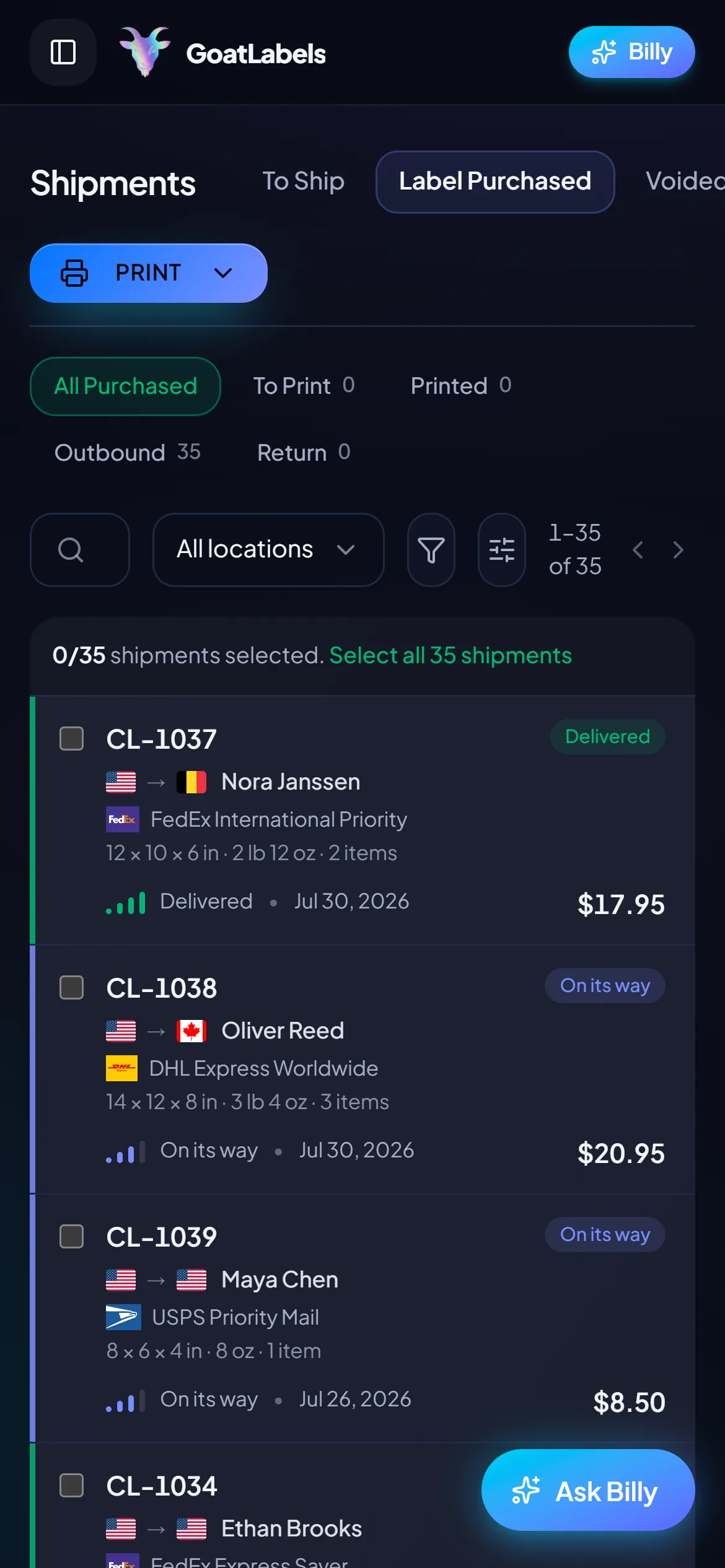
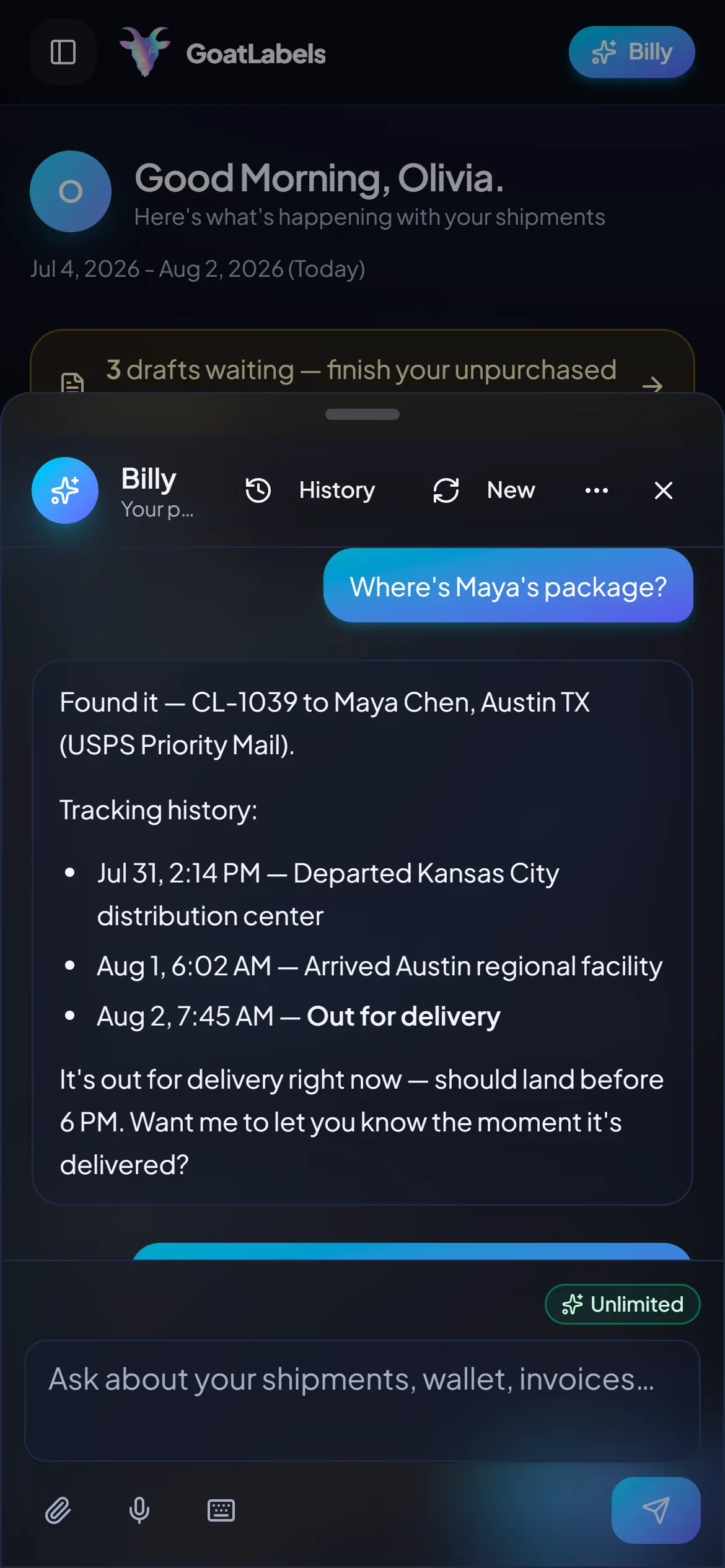
Tracking written back
Woo order #1187 · your store emails the buyer
Nothing about running a self-hosted store implies you want to run it from a desk. Once the store is connected, the part of fulfillment you actually touch (the queue, the live quotes, the wallet, the print button) is a phone job, and the store carries on serving pages without knowing any of it happened.
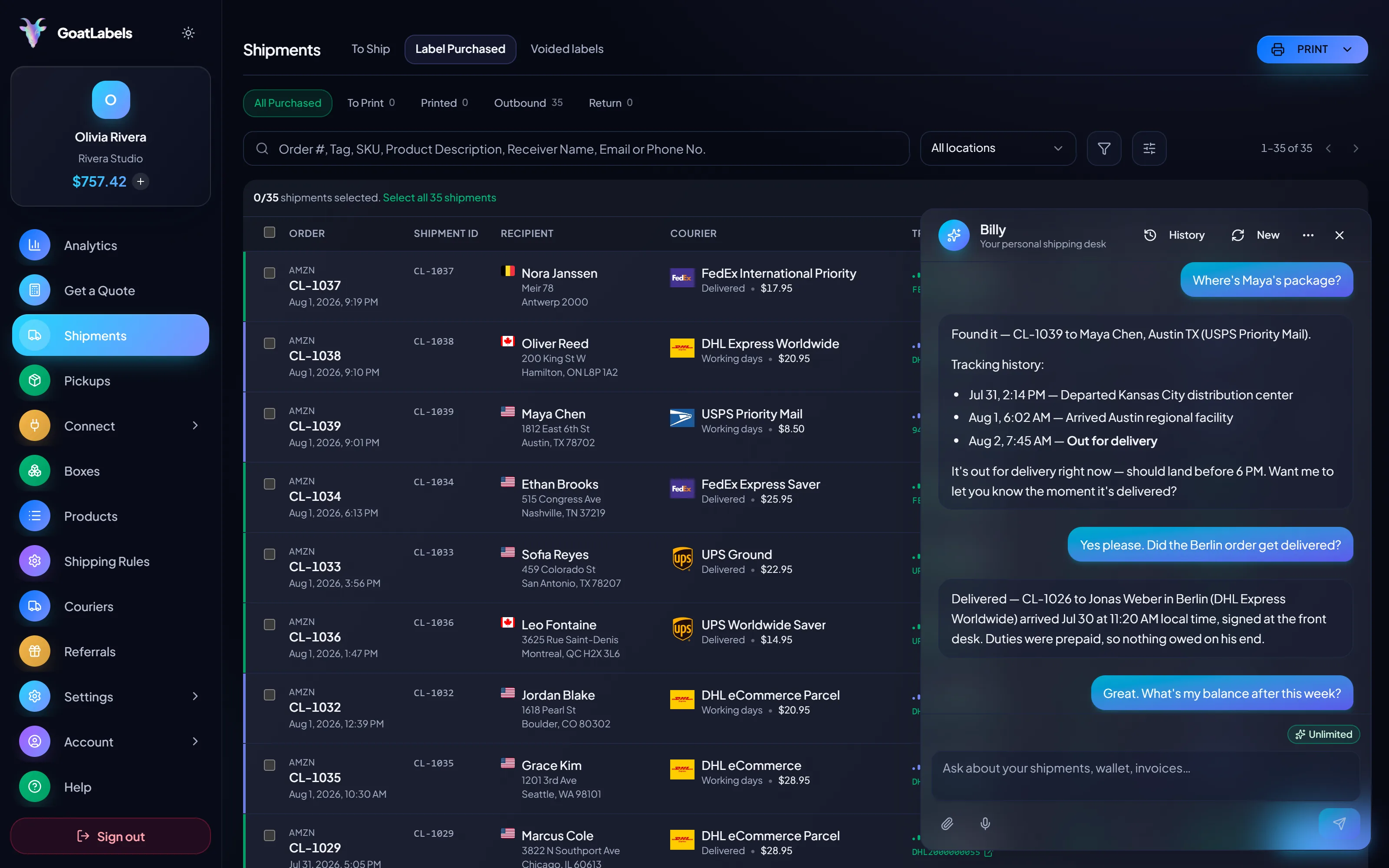
Chasing a tracking number normally means logging into the store, finding the order, and reading a number off it — three steps for a question that takes four seconds to ask. Say it out loud instead and Billy finds the shipment and reads its status back. Included on every plan, and it never needed a plugin to be there. This is the real product, not a render.
Listening
"Where's the enamel mug order?"
Out for delivery
Woo order #1187 · tracking already on the order
Speaks plain English · finds the shipment and reads its status back · nothing installed into your store to make it work.
Keep the two shipping numbers apart: what a buyer is charged at your checkout stays a checkout concern inside WooCommerce, and what you pay to move the parcel is settled here. This side comes back as one all-in figure per carrier with the surcharges already inside, and that exact figure leaves the wallet. The sample parcel below is an illustration.
Ground Advantage
2 to 5 days$11.40
all-in · surcharges already inside
Ground
1 to 5 days$9.85
all-in · surcharges already inside
Ground
1 to 5 days$11.20
all-in · surcharges already inside
On a self-hosted store, every new capability normally arrives as another directory with its own version number, its own PHP expectations, and its own update day. This one arrives as an HTTP call from wherever you already run code — nothing lands in wp-content, and nothing new has to survive your next core update.
POST /api/v1/shipments
Authorization: Bearer sk_live_…
Idempotency-Key: ord_8421

{
  "to": { "name": "Joyce", "city": "Berlin", "country": "DE" },
  "parcel": { "weight": 2.6, "weight_unit": "lb" },
  "service": "fedex_intl_priority"
}
A stack of extensions bills on its own calendar: each piece renews whether the store had a good month or a quiet one, and the maintenance is yours either way. A wallet only moves when a label is bought. Free covers 50 shipments a month with the store connectors, all four carriers, Billy, and the full API; past that, Pro is one flat $40 monthly plan with unlimited shipments and cheaper label pricing.
 — check an order without opening the dashboard or the store
Rate by plan
illustrativeone flat plan, unlimited shipments
$0 / forever
Connect the store today, ship on Friday, and owe nothing for the days in between.
The assistant that drafts a label from a pasted message or a screenshot runs unlimited on Free, in the web app. There is nothing to install into the store for it, and nothing to update after.
Telegram, ProGET /api/v1/shipments
200 OK · plan: free
Unlimited calls on Free — still unlimited on Pro.
Put a real parcel through and compare the side-by-side rate against what that label costs you on
ShippoPirate ShipShipStationLabel prices are quoted live from USPS, UPS, FedEx, and DHL as one all-in number, and that exact amount leaves your prepaid wallet. Extension pricing is each vendor's to set and change, which is why no plugin price appears anywhere on this page. Full pricing details
The plugin stack is not expensive because of what the plugins cost. It is expensive because of who fixes it at nine on a Sunday. Four kinds of WooCommerce store where moving fulfillment out of wp-admin pays for itself in hours rather than licences.
 No ops team under the store
A carrier extension and a PHP version disagreeing is an ordinary Tuesday, and the repair lands on the person who was going to spend that afternoon packing. Reading orders and writing tracking from outside the store takes the whole failure class off the roster.
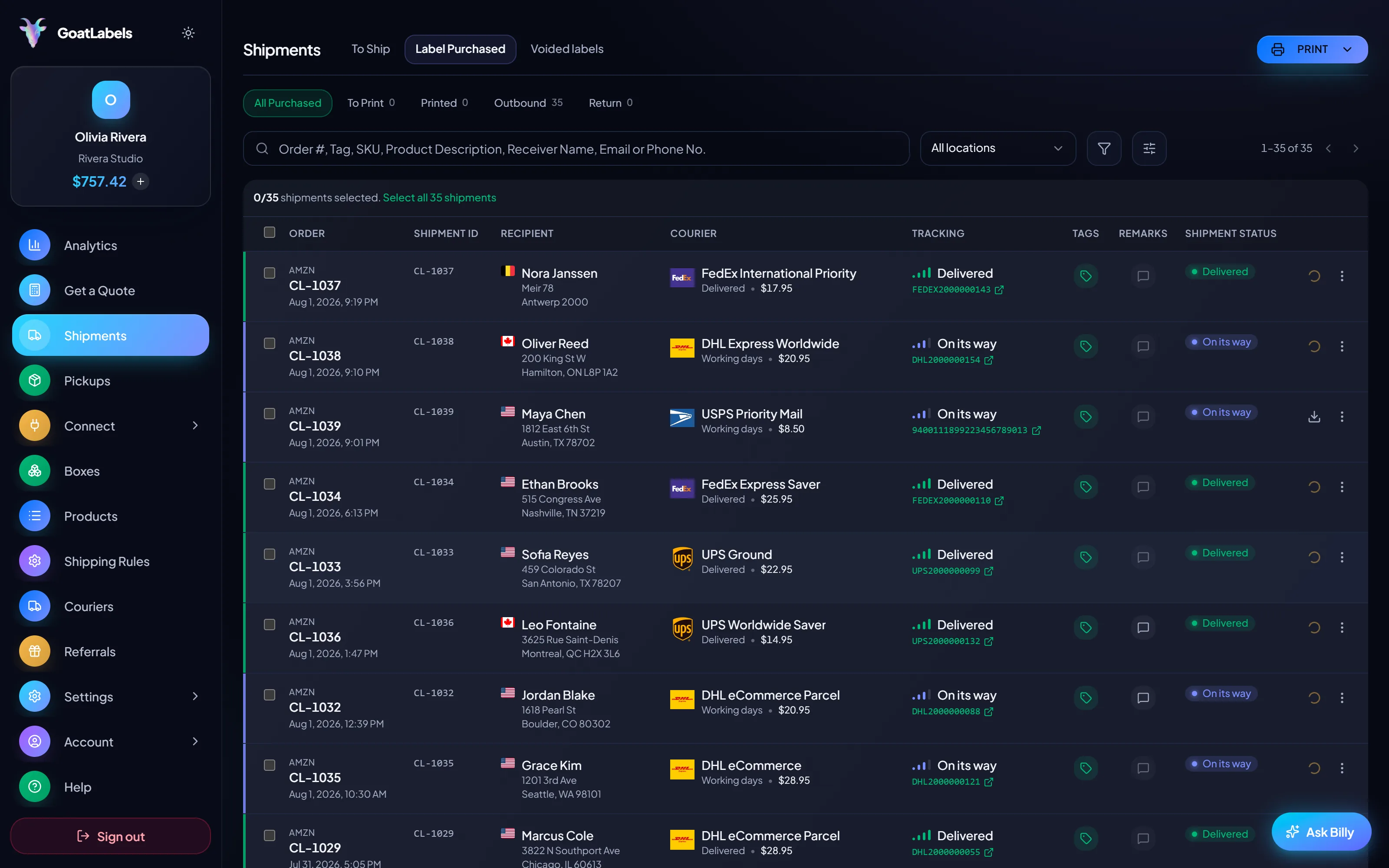
 The failure that costs a sale, not a ticket
A rates plugin that stops answering does not raise an alarm — the buyer simply sees no shipping options and leaves. Nothing here renders in your checkout, so nothing here can fail in the one place a failure is invisible and final.
Checkout untouched
The sync reads orders and writes tracking. That is all it reaches.

 Already answered on the order
 A backlog is a file, not another extension
1
import clears the pile; the sync catches every order after it
Related: shipping labels for Etsy,shipping labels for TikTok Shop,bulk labels from a CSV, andthe full pricing model.
A video took off and I had 80 TikTok Shop orders by morning. I printed every label from my phone on the bus to the post office.
Early customer · TikTok
TikTok Shop seller
 TikTok Shop
I run my Etsy shop from the kitchen. The AI reads the order, picks the carrier, the label prints. That's the whole workflow now.
Early customer · Etsy
Etsy maker
EtsyThe API is what every shipping API pretends to be. Idempotency that actually works.
Sasha R.
Staff engineer, marketplace
Connect the store once, let orders land in one queue, quote every domestic parcel across USPS, UPS and FedEx (DHL on international lanes), and send tracking back where the buyer expects it.
No card required. No contract. No monthly fee on Free (up to 50 shipments a month), and nothing installed into your store.
Updated